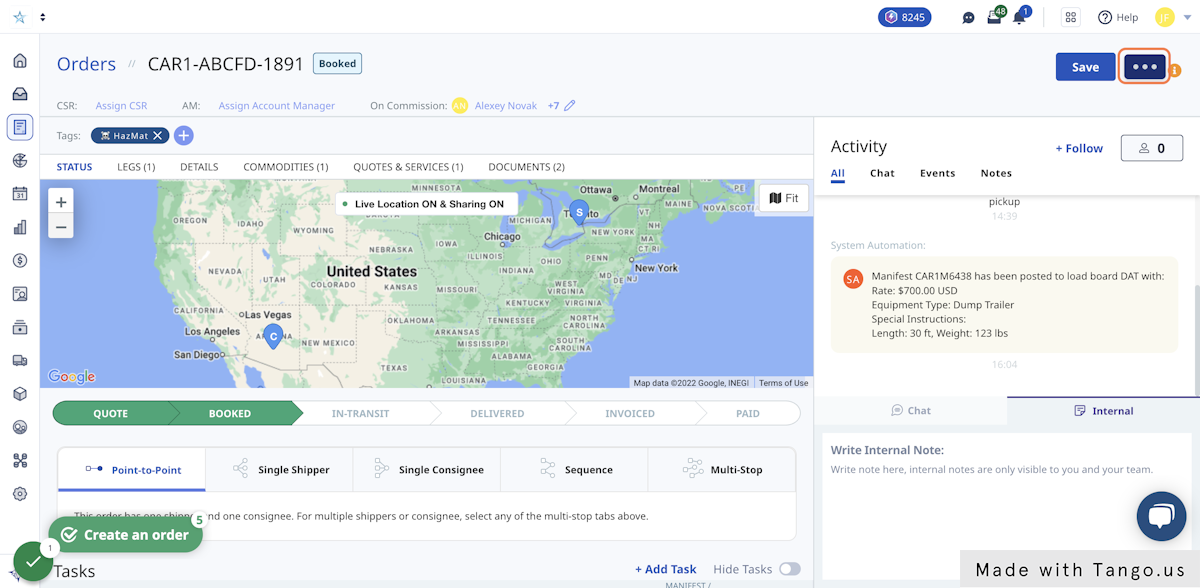
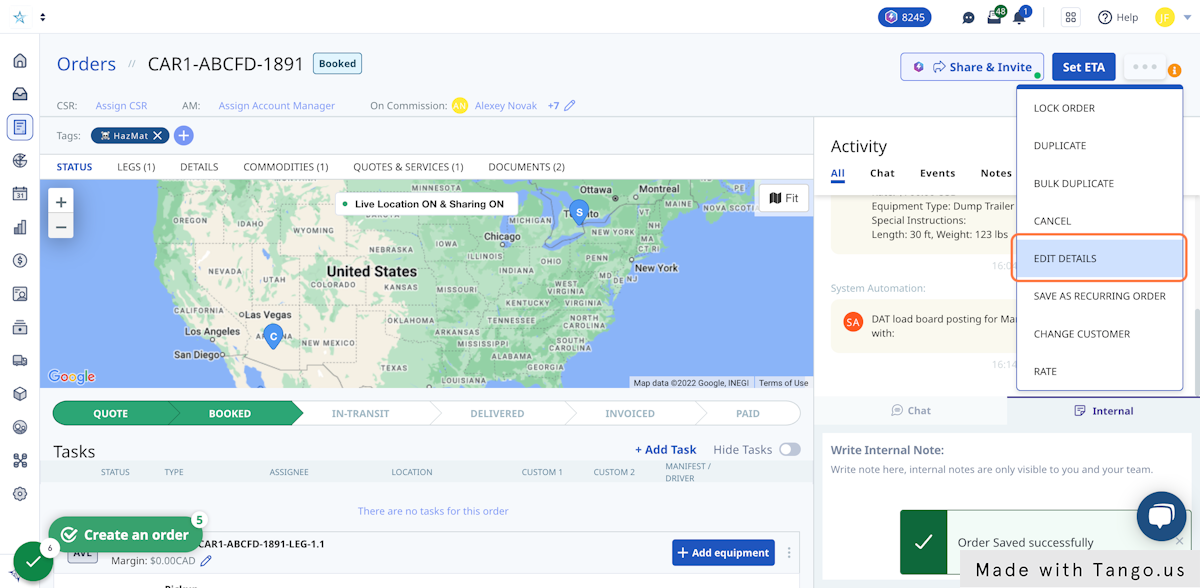
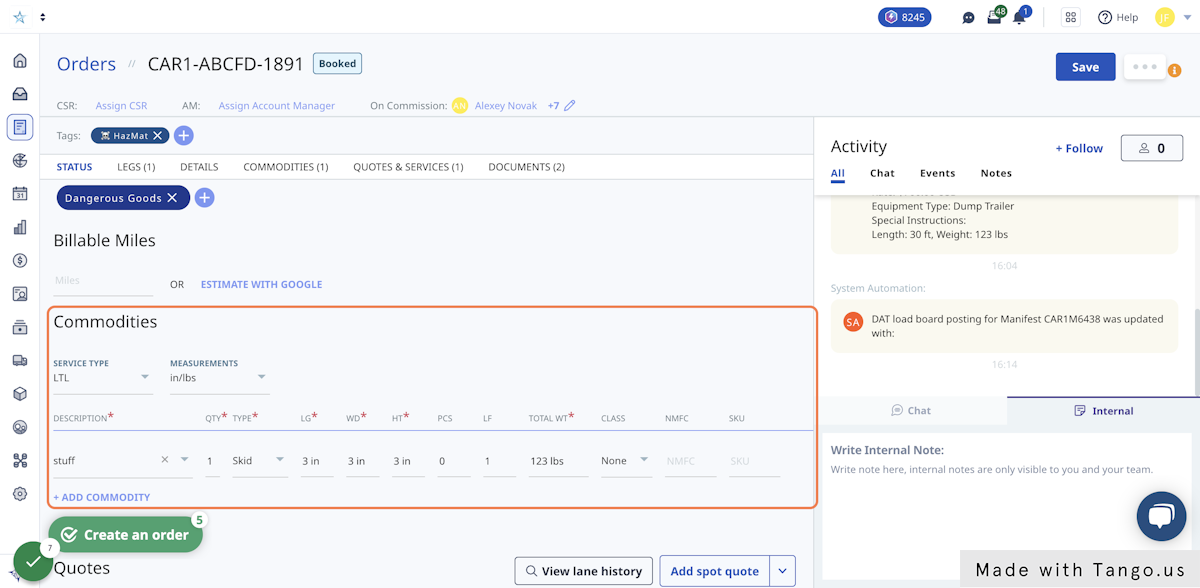
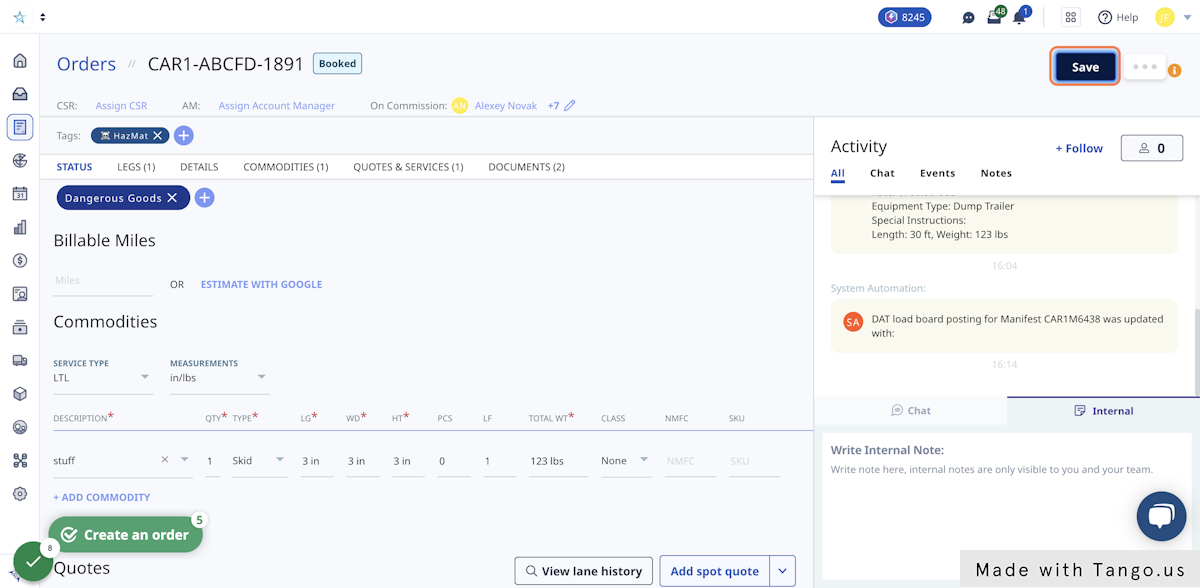
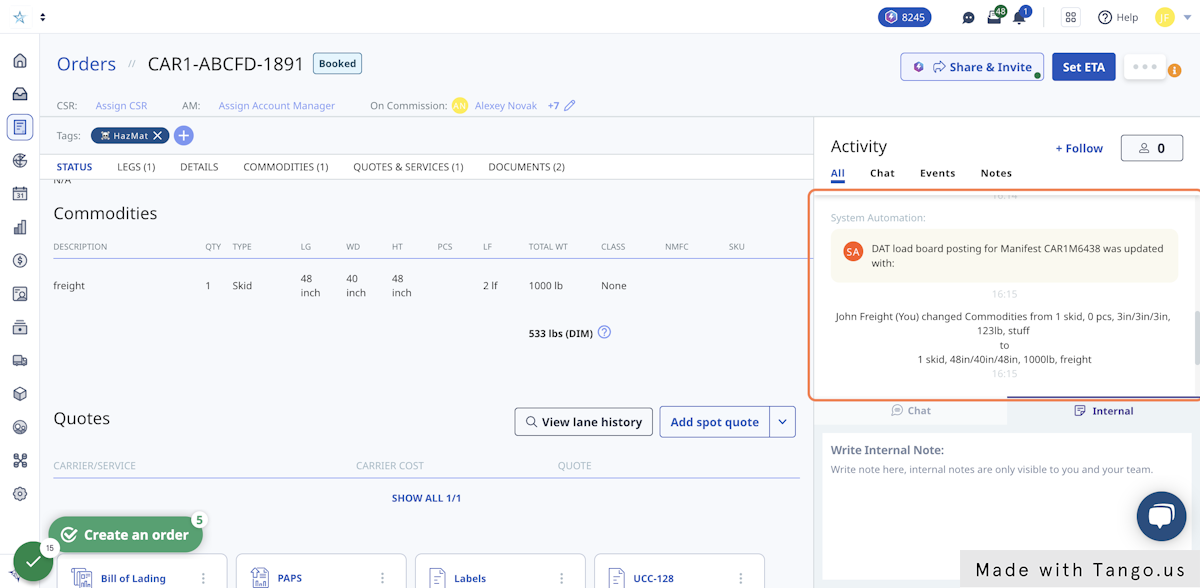
DAT - How to edit a post Here's how to edit a load once it's been posted to DAT. Editing a post Loads published on DAT can be edited within the Order or Manifest details. Video Overview 1. Click on the '...' dropdown menu. 2. Select 'Edit details'. 3. Update the order details. 4. Save the changes. This will automatically update on DAT. 5. Edits are saved in the Activity Log for reference.